Test drives on WhatsApp: book them and follow up
At a dealership, the test drive is when an enquiry turns into a possible sale. Someone who comes in to drive a car has already made half the decision. Yet in many WhatsApp chats the test drive never happens: the customer asks, the salesperson replies the next day, suggests a time, the customer can't make it, and the conversation stops there.
Here is a practical way to take more conversations as far as the test drive, and to keep hold of the people who stop replying along the way.
Why test drives get lost in the chat
Look through a dealership's chats and test drives fall through for the same few reasons:
- the reply comes late and the customer has booked elsewhere in the meantime;
- the salesperson offers a day, the customer asks for another, and it goes back and forth for hours;
- the appointment is booked, but the customer forgets;
- the customer stops replying and nobody gets back to them, because other chats have come in since.
They are all problems of timing and order in the conversation.
Offer two times instead of "when suits you?"
"When suits you?" makes the customer think, and often they don't answer straight away. "Tuesday or Thursday?" only asks them to pick one. It works even better when the times come from the salesperson's real calendar, so whatever the customer picks is already free.
An AI assistant on WhatsApp can do exactly that. In Whappy you connect the salesperson's calendar: the assistant offers free slots and the customer picks one in the chat. With Cal.com the test drive lands straight in the calendar, without anyone copying it across; with Calendly the assistant sends the link for the chosen time and the customer confirms there.
Questions to ask before the test drive
A test drive goes better when the salesperson knows what to expect. Before booking it, it helps to know:
- Which car they want, or what kind of car if they are still deciding.
- Whether they have a car to part exchange: make, model, year and mileage.
- Whether the car is for them or for someone in the family.
The assistant asks these one at a time, the way a person would, and skips any the customer has already answered. The answers stay on the contact's record, and the salesperson reads them before the appointment.
On finance and part-exchange valuations the assistant promises nothing: it notes the interest and leaves the answer to the salesperson, who gives it at the dealership with the real numbers.
The reminder the day before
A test drive booked on Tuesday for Thursday can be forgotten. That's why the assistant reminds the customer the day before (you choose this in the campaign options), in the same chat. If the customer can no longer come, they can say so there instead of not turning up, and the salesperson knows in time.
A note on WhatsApp's rules: a business can write freely for 24 hours after the customer's last message. After that window WhatsApp accepts only a Meta-approved template, which you can send from the chat in Whappy.
Following up with people who stop replying
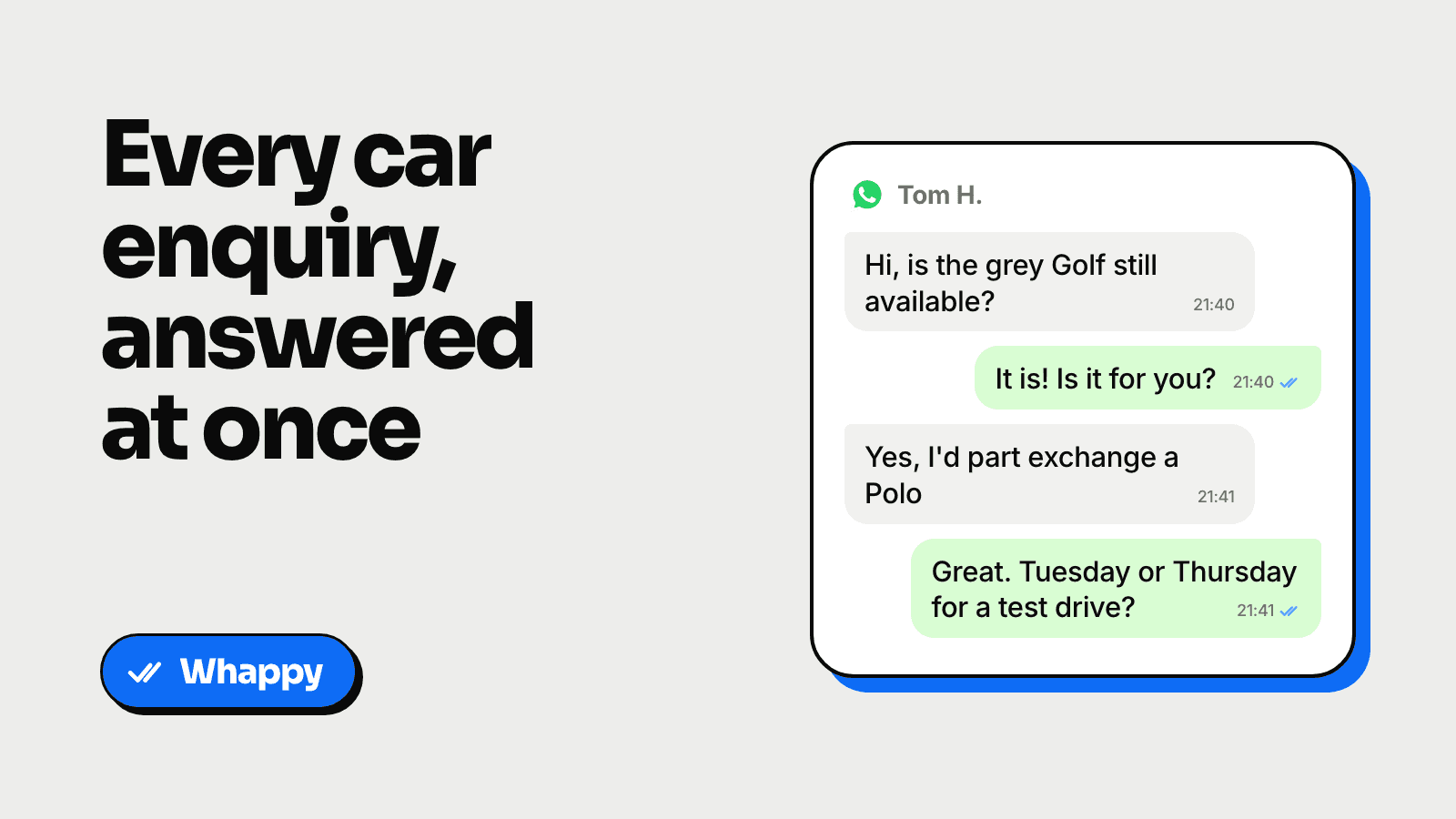
Plenty of conversations stall halfway. The customer asked about the Golf, got the answer and never wrote back. That does not always mean they lost interest: they may have been at work, or waiting to talk it over at home.
A short follow-up the next day often reopens the conversation:
Assistant: Hi Tom, I wrote to you about the grey Golf. If you'd like to drive it, there's still a slot on Thursday at 17:00.
The assistant sends it on its own to people who went quiet, without pushing. The follow-up stops as soon as the customer replies.
When it hands over to the salesperson
The assistant does the groundwork and leaves the salesperson the parts that are theirs. You can set it to hand the chat to the salesperson, with an alert on WhatsApp, when the customer asks to talk to someone or about price, discounts or finance. If it does not know an answer, it says so.
The salesperson can also step into any chat whenever they like: one tap stops the assistant in that conversation and they reply themselves. Everything written before stays there to read.
From Instagram too
Many car enquiries start from an Instagram story or post: someone replies to a photo of a car that has just arrived and asks the price or whether they can see it. They are the same customers on another channel.
Whappy also answers Instagram direct messages, in the same inbox as WhatsApp and with the same questions. Someone writing from Instagram can book a test drive the same way, and the salesperson finds every test drive in one calendar, whichever channel it came from. On Instagram, reminders and follow-ups go out only within 24 hours of the customer's last message.
A full example
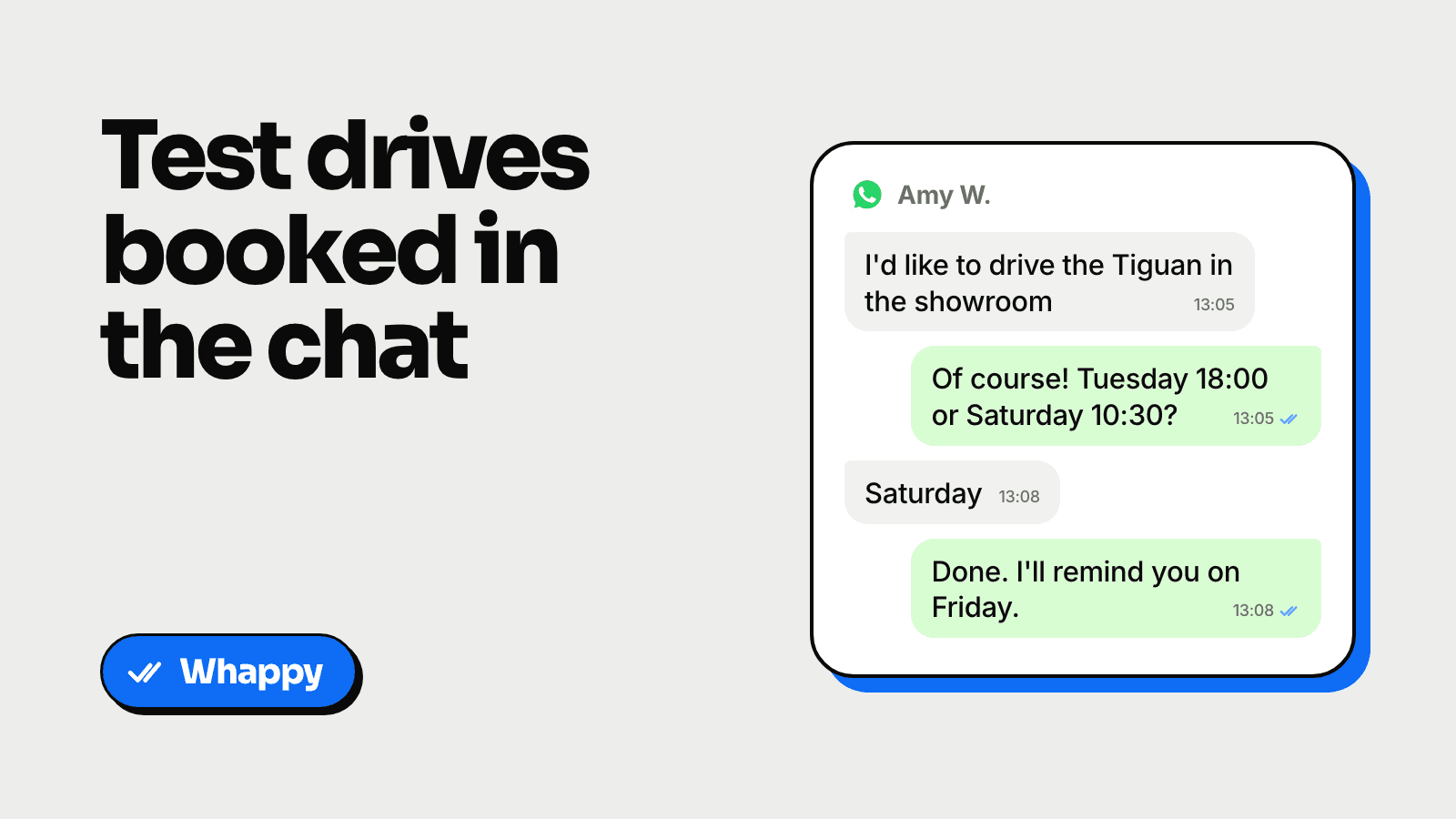
Customer, 13:05: Hello, I'd like to test drive the Tiguan in the showroom
Assistant, 13:05: Hello! Of course. Do you have a car to part exchange?
Customer, 13:07: Yes, a 2016 Fiesta
Assistant, 13:07: Thanks, I'll note it for the salesperson. Tuesday at 18:00 or Saturday at 10:30?
Customer, 13:08: Saturday
Assistant, 13:08: Done, Saturday at 10:30. I'll message you on Friday as a reminder.
In three minutes the test drive is booked, the part exchange is noted and the reminder is set.
Where to start
If you want to try it at your dealership:
- pick one salesperson and connect their Calendly or Cal.com calendar;
- write the questions you ask before every test drive;
- try the assistant on invented customers before switching it on;
- after a month, compare how many test drives come out of the chats with before.
To see how it would write to one of your customers, get the demo on WhatsApp: the assistant writes to you as if you were a customer. For answering contacts in the first minutes there is also this guide.